No account · No ads
SlowSolo
Record · Slow down · Loop
Hear a solo you want to learn but have no audio file to import? Hold your iPhone to the speaker, record it, and practise it slowed down without changing the pitch.
Hear a solo you want to learn but have no audio file to import? Hold your iPhone to the speaker, record it, and practise it slowed down without changing the pitch.
One simple screen. No menus to dig through.
Tap the big red button and play the solo on your laptop, TV or stereo. The live spectrum shows the microphone hearing it.
A recording made with a phone in front of a speaker sounds thin or harsh. One switch evens out the tone and reduces the hiss between notes.
Slow it down from 100 % to 50 % with the pitch unchanged, mark the phrase you are stuck on, and let it repeat until it is yours.
Real screens from the app.
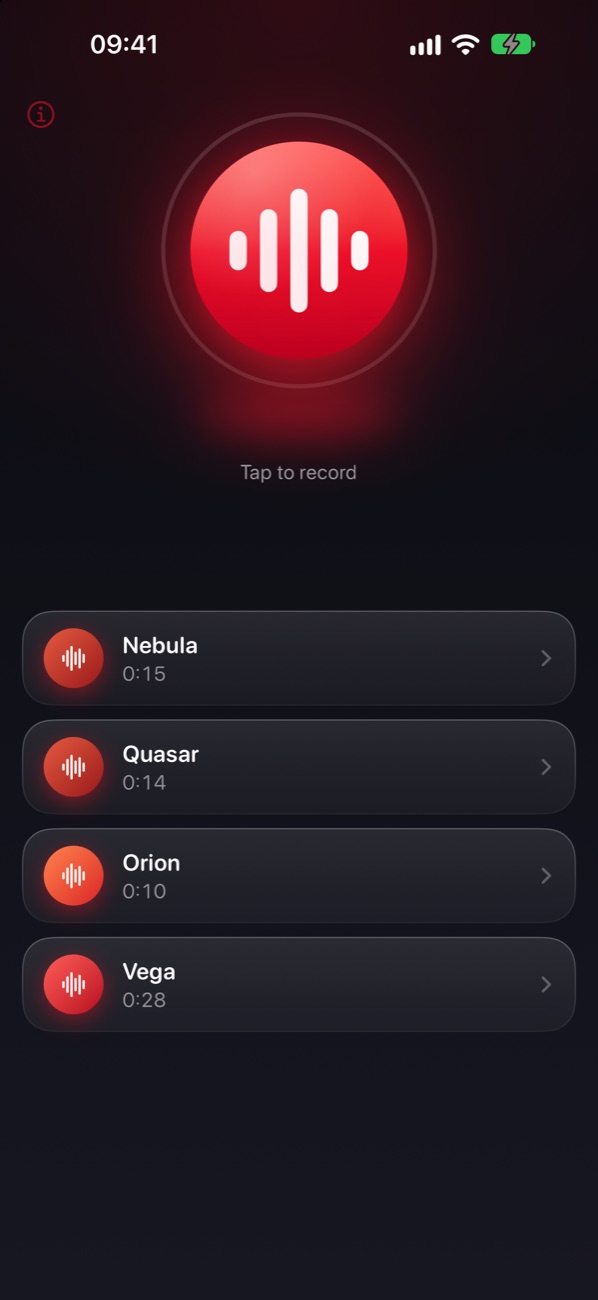
Record and pick a take
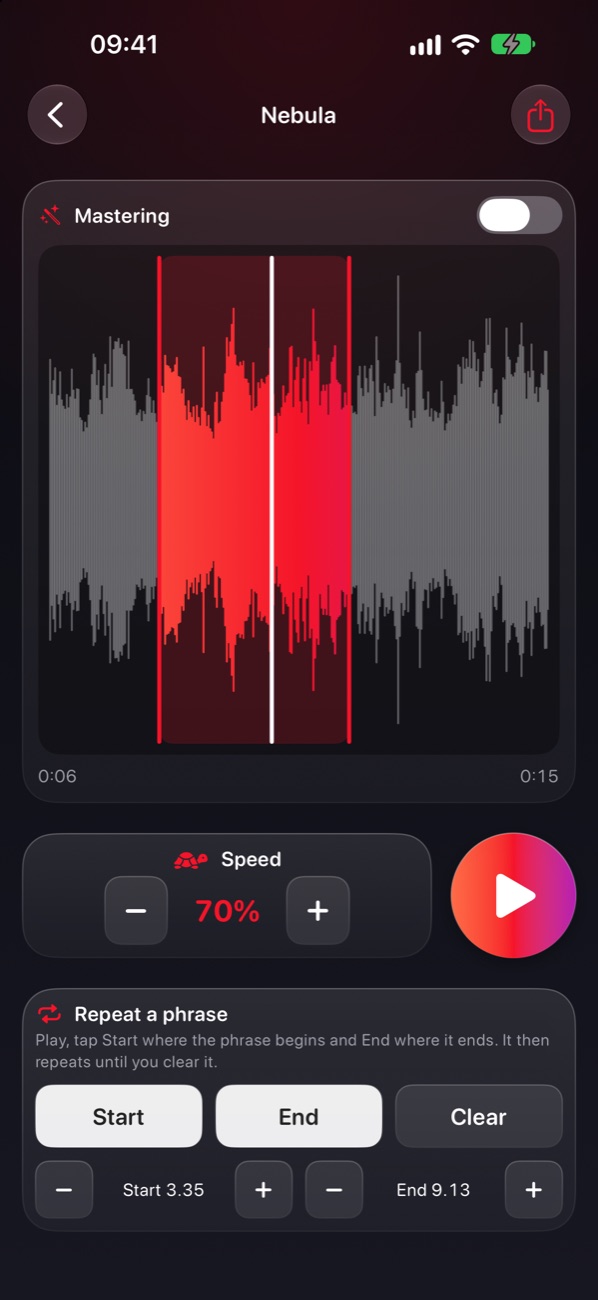
Slow it down, loop a phrase
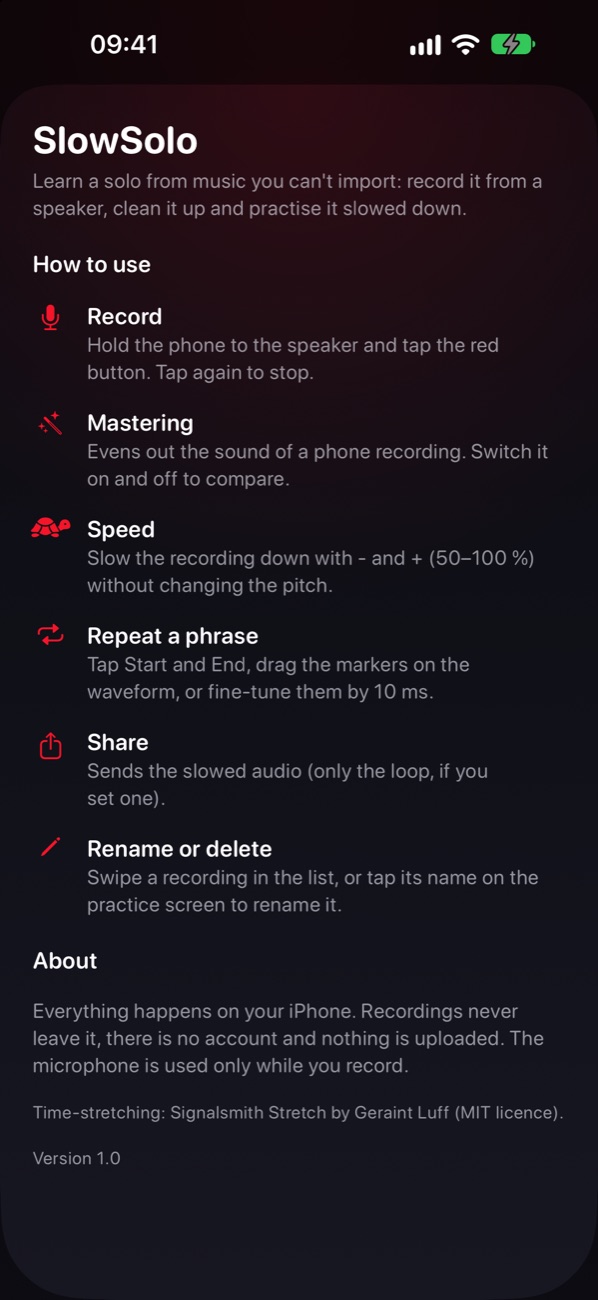
Built-in help
Made for learning solos, not for editing audio.
50 % to 100 % in 5 % steps with the pitch unchanged, and none of the metallic sound of basic time-stretching.
Evens out the sound of a phone recording and turns down the noise between notes. Switch it on and off to compare.
Tap Start and End, drag the markers on the waveform, or fine-tune them by 10 ms. The loop is crossfaded, so it does not click.
Speed and loop are saved for each recording. Swipe to rename or delete, or tap the name to rename.
Keep practising with the phone in your pocket. Play and pause from the lock screen or your AirPods.
No account, no ads, no tracking, no network. Your recordings never leave your iPhone.
No ads, no subscription, no account.
Get it on the App Store